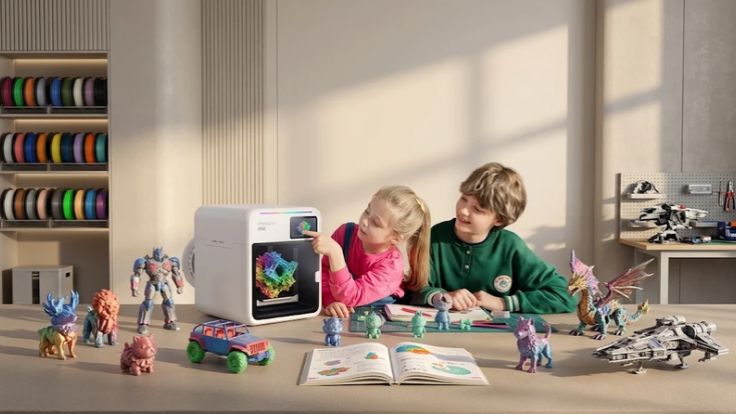
Turning digital designs into physical objects feels exciting. However, choosing the right printer can feel overwhelming. Different projects require different printing capabilities. Beginners also need equipment that feels approachable.
Creality offers 3D printers, scanners, and printing materials. Its catalogue serves hobbyists and professional creators. Buyers can explore FDM and resin printers. The brand also provides accessories and software.
Brand Overview – Creality
Creality develops equipment for additive manufacturing. Its products include desktop 3D printers and scanners. The company offers several printer families.
These include K-series, Ender, and SPARKX models. Its ecosystem also includes filaments and accessories. Creality serves beginners, makers, and experienced professionals.
Featured Product: Creality K2 Plus Combo
The Creality K2 Plus Combo targets advanced creators. It combines large-format printing with multicolour capabilities. Its build volume measures 350 × 350 × 350 mm. The printer supports speeds reaching 600 mm/s. Its maximum acceleration reaches 30,000 mm/s².
What Makes the K2 Plus Combo Interesting?
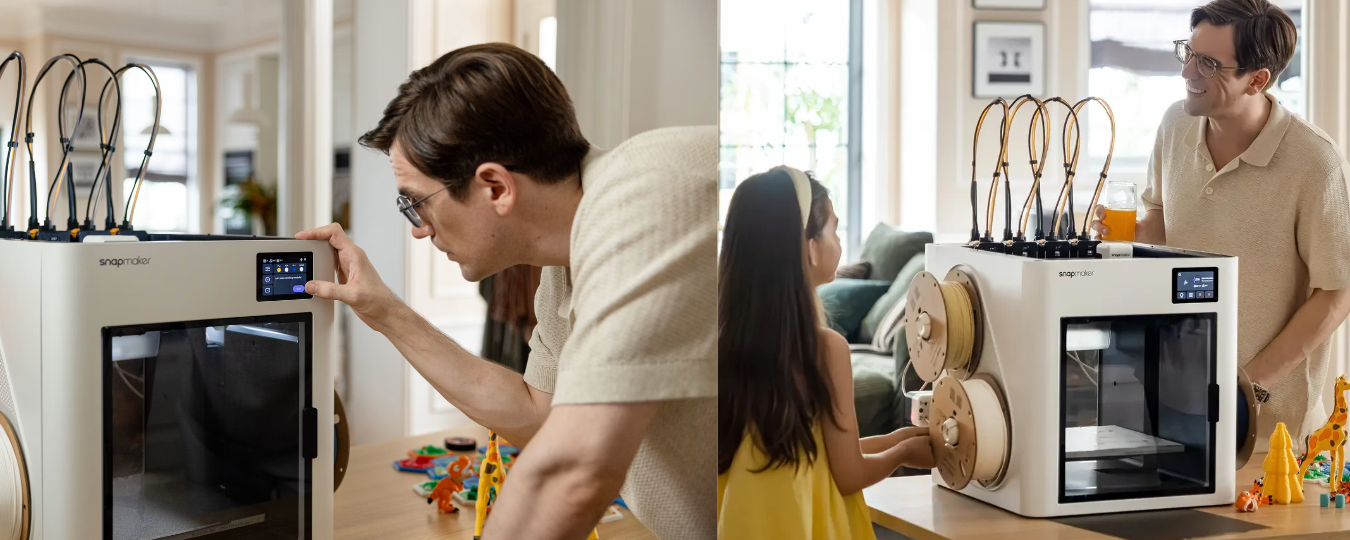
Its specifications support demanding creative projects. The included CFS manages multiple filament colours. One CFS unit supports four filament spools. Additional units enable printing with sixteen colours. The system also includes intelligent filament management.
Here are some notable product features:
- Large build volume: Supports larger models and batch printing.
- Multicolour printing: Supports up to sixteen colours.
- AI cameras: Monitor printing and support calibration.
- Automatic levelling: Helps prepare the printing surface.
- Direct-drive extruder: Supports controlled filament feeding.
- RFID recognition: Identifies compatible tagged filaments.
- Touchscreen display: Provides convenient printer controls.
- Filament monitoring: Detects tangles and material runout.
The standard Combo includes one CFS unit. Additional units must be purchased separately.
Exploring Creality's 3D Printer Range
The K2 Plus isn't suitable for everyone. Different projects need different machine capabilities. Creality offers several printer families. Consider these popular options:
- K2 Series: Offers advanced enclosed and large-format printers.
- Ender Series: Provides options for everyday 3D printing.
- K1 Series: Focuses on high-speed printing capabilities.
- SPARKX Series: Includes newer desktop printer options.
- Resin Printers: Support detailed resin-based model production.
- DIY Printers: Appeal to hands-on makers and enthusiasts.
Compare build volumes before choosing a printer. Check material compatibility for your projects.
Beyond Printers: Scanners and Materials
Creality's ecosystem extends beyond printing machines. Its catalogue includes several 3D scanners. The Raptor, Otter, and Ferret families offer scanning options. These products support different scanning requirements.
The store also offers printing materials. Here are some common categories:
- Hyper PLA: Supports everyday filament printing.
- Hyper PETG: Provides another thermoplastic printing option.
- PLA Resin: Explore compatible material options carefully.
- Standard Resin: Supports compatible resin printer models.
- Printer Accessories: Include nozzles, build plates, and components.
Material compatibility depends on the selected printer. Always verify specifications before ordering.
Choosing the Right Creality Printer
A printer should match your experience and projects. Consider these factors before purchasing:
- Build volume: Match dimensions with intended model sizes.
- Printing technology: Choose FDM or resin technology.
- Material support: Check compatible filament and resin types.
- Printing speed: Compare performance and quality requirements.
- Colour options: Consider single or multicolour printing.
- Maintenance: Review cleaning and replacement requirements.
- Software: Check supported slicing and connectivity options.
Beginners may prefer simpler configurations. Advanced creators may need larger build volumes. Compare total costs beyond the printer itself.
What Should Buyers Consider?
3D printers require suitable working environments. Check available desk or workspace dimensions. Consider ventilation and material handling requirements. Resin printers require additional safety precautions. Follow manufacturer instructions during operation.
International shoppers should also review shipping conditions. Customs duties may apply in different countries. Check warranty coverage and return eligibility. Confirm regional voltage compatibility before purchasing.
FAQs
What Products Does Creality Sell?
Creality offers printers, scanners, and accessories. Its store also includes filaments and resins.
Can the K2 Plus Print Multiple Colours?
Yes, its CFS supports multicolour printing. Four connected units support up to sixteen colours.
Is Creality Suitable for Beginners?
Yes, selected models suit beginner users. Compare setup requirements before choosing a printer.
Does Creality Offer 3D Scanners?
Yes, its catalogue includes several scanner families. Options include the Raptor, Otter, and Ferret models.
Final Verdict
Creality offers a broad 3D printing ecosystem. Its K2 Plus Combo highlights advanced capabilities. Smaller models serve different budgets and projects. Scanners and materials expand its product selection. Compare compatibility, workspace, and operating requirements carefully. Overall, Creality offers options for varied creators.
Stay tuned to Gadgetsnowway to explore more about Hill House Home.